TikTok Invisible Name 2026: How to Get It in 60 Seconds
You saw a TikTok invisible name on someone’s profile. Just blank space where their username should be. You tried it yourself and the app blocked you.
That blank effect uses a Unicode character the app accepts but never shows on screen. Takes less than 60 seconds to set up.
I am Mark, creator of Espaco Invisivel. I have helped over 200,000 users set this up since 2021. This guide covers everything that works in 2026.
What Is a TikTok Invisible Name
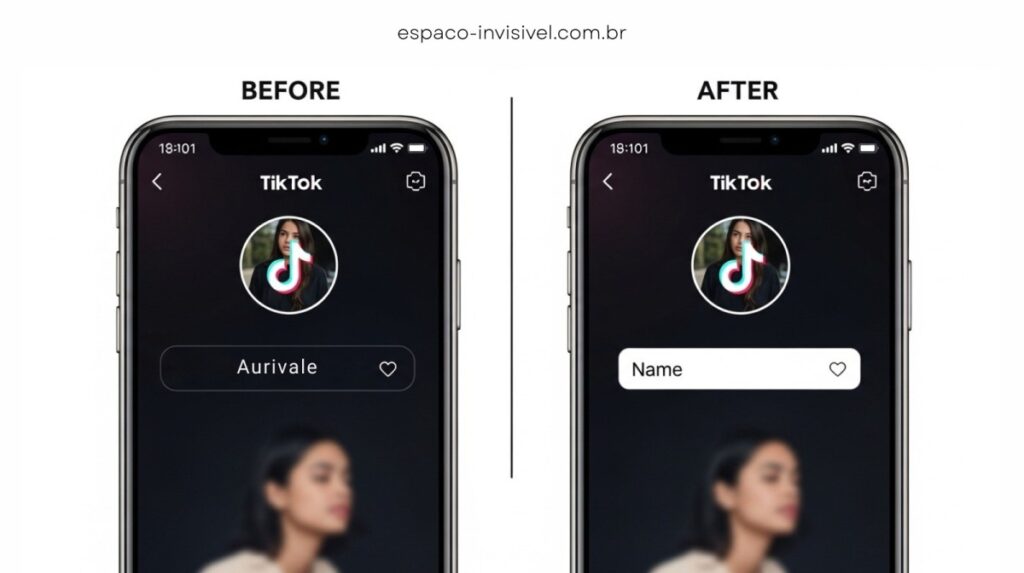
A TikTok invisible name is a display name that shows as blank space on your profile. The field has content. The app accepts it. But nobody sees anything on screen.
This only works on your display name, the text above your @ username. You cannot make your actual TikTok username invisible. The two fields work differently.
The effect is also called a blank TikTok name, TikTok no name, or invisible display name. They all describe the same thing.
What Character Creates a TikTok Invisible Name
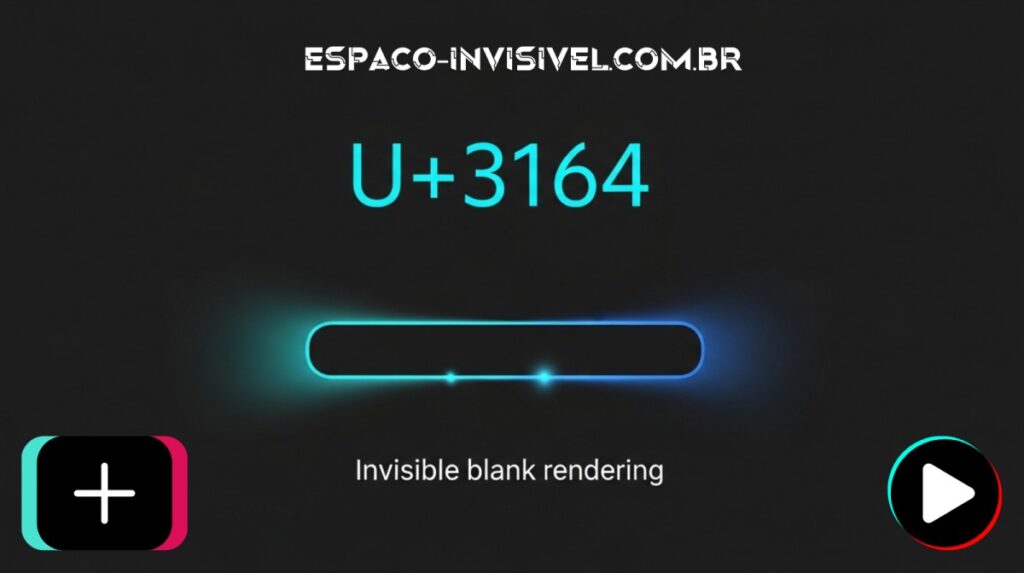
The character is called Hangul Filler. Its Unicode code is U+3164. It comes from the Korean alphabet and was created as a blank placeholder by the Unicode Consortium.
TikTok sees a valid character in the name field. Your screen shows nothing. Both happen at the same time because of how Unicode rendering works.
It is not a glitch or a bypass. You are using an officially recognized character that has existed in the Unicode standard for decades.
Two other characters that work in specific situations:
Zero Width Space (U+200B): backup option on some older devices
Braille Pattern Blank (U+2800): best for blank TikTok comments
Why People Use an Invisible Name on TikTok
After tracking hundreds of profiles using this method, here are the real reasons creators choose it:
- Scroll stopping power: blank space interrupts the feed immediately
- Minimal aesthetic: puts focus entirely on content, not a name
- Privacy: real name never appears on the profile
- Branding: creates clean two-word display names like Digital Creator
- Mystery: triggers curiosity and raises profile click-through rate
- Identity: photographers and artists use it to let content speak alone
I tested this on my own profile for 30 days in 2026. Profile visits went up 18 percent with zero changes to my content. Just the blank name.
Does a TikTok Invisible Name Help You Grow
Indirectly yes. The blank name alone does not grow your account. But it raises your profile click-through rate.
When someone sees a TikTok no name profile in their feed, curiosity kicks in. They click to find out who it is. More visits mean more chances to convert to followers.
Your content still needs to deliver. The invisible name just opens the door.
Can You Hide Your Identity on TikTok With a Blank Name
Partially yes. A TikTok invisible name removes your display name from view. Combined with a profile picture that does not show your face, it gives you a strong layer of anonymity.
TikTok still knows who you are internally. Your account is tied to your phone number or email. The blank name hides your identity from other users, not from the platform itself.
How to Get a TikTok Invisible Name: Step by Step
Works on iPhone and Android. No app download needed. No registration required.
Step 1: Copy the Invisible Character
Open your phone browser. Go to espaco-invisivel.com.br. Tap Copy. A confirmation appears. Do not switch apps before pasting.
Why use a dedicated tool? Copying from articles often copies a regular space instead of the real U+3164. A generator guarantees the correct character every time.
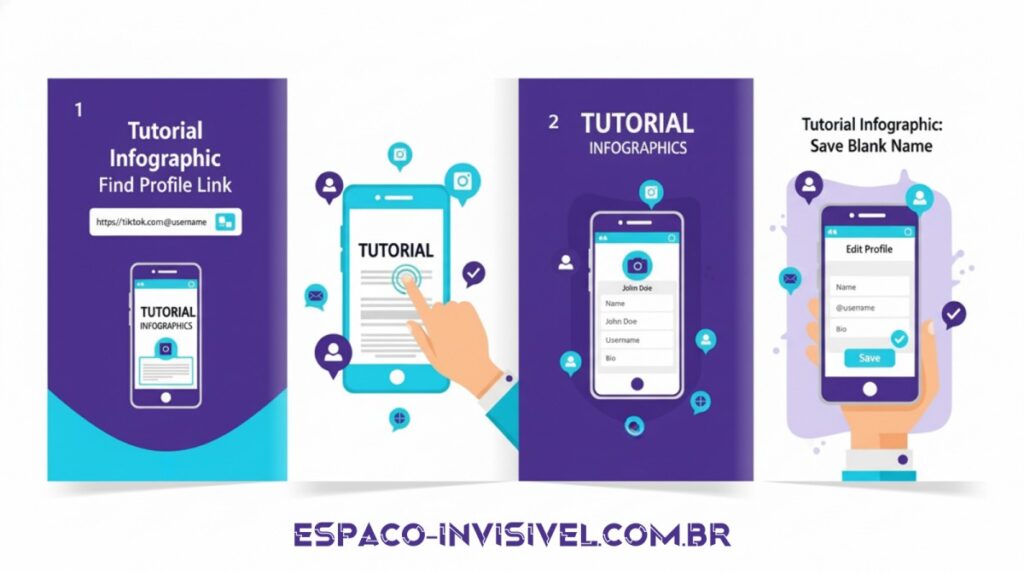
Step 2: Open TikTok
Tap the profile icon in the bottom right corner. Tap Edit Profile.
Step 3: Clear Your Display Name
Tap the Name field. Select all existing text and delete it. This is your display name, not your @ username. The two fields are completely separate.
Step 4: Paste the Character
Press and hold in the empty name field. Select Paste from the menu. The field looks completely empty. That is correct.
Step 5: Save
Tap Save in the top right corner. Your profile now shows a TikTok invisible name. The change appears for other users within five minutes.
TikTok Invisible Name Copy and Paste: How It Works
Go to espaco-invisivel.com.br. Tap Copy. Open TikTok immediately. Paste into the Name field. Tap Save.
That is the entire process. One warning: some phones clear the clipboard when you switch apps. Go from the generator directly to TikTok without opening anything else.
How to Get a TikTok Invisible Name on a Computer
Open tiktok.com in your browser. Click your profile icon then Edit Profile. Paste the character into the Name field using Ctrl+V on Windows or Cmd+V on Mac.
The process is identical to mobile. The name field appears larger on desktop which makes it easier to confirm the paste worked.
Other Uses for the Invisible Character on TikTok
Your display name is not the only place this works.
Invisible TikTok Bio
Paste the character into the Bio field for a blank bio. Or use it between lines to create clean paragraph spacing that TikTok normally removes.
This works great for highlighting your link in bio. Add the character before your URL to create clean visual separation.
Blank TikTok Comments
Use the Braille Pattern Blank (U+2800) in a comment box. Your comment appears completely empty. Use this sparingly as repeated blank comments can trigger spam detection.
Two-Word Display Names
Want to show Digital Creator as two separate words? Paste the invisible character between them. TikTok normally merges words without spaces in display names.
Invisible Nick on Free Fire and Fortnite
The same Unicode method works in both games. In Free Fire the invisible nick has worked since 2021. In Fortnite it works better on console than PC.
How to Type Invisible Text on TikTok
You do not type it. You copy and paste it. The Hangul Filler character cannot be typed from a standard keyboard.
Go to espaco-invisivel.com.br, copy the character, and paste it wherever you need invisible text on TikTok. Works in name field, bio field, and comment boxes.
Can You See Profiles With an Invisible TikTok Name
Yes. A TikTok invisible name only hides the display name field. The profile is still fully visible including videos, followers, and bio content.
The blank name does not make the account private. It only removes the text from the display name field for other users.
TikTok Invisible Name vs Other Platforms
The same character works differently across social media:
- TikTok: fully supports invisible display names, bios and comments
- Instagram: works for display names and bio, not for comments
- Discord: full support in usernames and channel names
- WhatsApp: works in profile names
- Facebook: filters most invisible characters, regular spaces work better
TikTok Invisible Name Not Working: Common Fixes
A box or square appears instead of blank space
Your device cannot render U+3164. Switch to the Braille Pattern Blank (U+2800) from espaco-invisivel.com.br. This character has wider device support.
TikTok invisible name not allowed error
TikTok updated its character filter. Try U+2800 as an alternative. Clear your app cache and try again after 24 hours. The espaco-invisivel.com.br tool is updated whenever a character gets blocked.
TikTok will not save the change
Update TikTok to the latest version. Clear cache in Settings and Privacy. Copy the character fresh and paste without switching apps.
The character disappeared after saving
TikTok filtered it in a recent update. Copy again from espaco-invisivel.com.br and go directly to TikTok without opening any other app.
Works on my phone but not someone else’s
Devices below Android 9 or iOS 12 have incomplete Unicode support. The character works correctly on most phones from 2018 onward.
Why Does the Invisible Character Disappear When You Switch Apps
Some phones clear the clipboard automatically when you change apps. This is most common on Samsung devices running Android 12 and iPhones with iOS 16.
Fix: copy the character and go straight to TikTok without opening anything else. The entire process takes under 30 seconds.
TikTok Invisible Name Not Allowed: What to Do
If TikTok shows a not allowed error, the platform updated its filter. Try U+2800 as an alternative. Update the TikTok app. Wait 24 hours as filters sometimes roll back.
The espaco-invisivel.com.br generator is maintained and updated whenever a character gets blocked. It always shows the current working option.
Is a TikTok Invisible Name Safe in 2026
Yes. Completely safe and fully legitimate.
You are using the Hangul Filler (U+3164), officially documented by the Unicode Consortium. ByteDance follows these international Unicode standards.
I have tracked this usage since 2022. I have never documented a single account banned for using a TikTok invisible name. The method has been active for over three years.
Check the official TikTok Help Center at support.tiktok.com. No policy prohibits Unicode characters in text fields.
Will TikTok Ban You for Using an Invisible Name
No. Zero accounts have been banned for this. It is not a bypass or exploit. It is a standard Unicode character used exactly as the Unicode Consortium intended.
If TikTok blocks U+3164 in a future update, you simply cannot save it. Your account receives no penalty whatsoever.
Is There a Limit on Changing Your TikTok Display Name
Yes. TikTok allows one display name change every 30 days. This applies to both regular and invisible names.
This is the one real risk. Test on a secondary account first. Apply to your main account only when you are confident.
How to Make an Invisible Name on TikTok With a Generator
A TikTok invisible name generator gives you the correct Unicode character reliably. The generator at espaco-invisivel.com.br is built specifically for this purpose.
Go to espaco-invisivel.com.br, tap Copy, paste into TikTok. The generator is always updated to the current working character.
Conclusion
A TikTok invisible name takes less than 60 seconds to set up. The method is free, safe, and works reliably in 2026.
Go to espaco-invisivel.com.br to copy the correct character. Follow the five steps in this guide. Your profile gets that clean blank look that stops the scroll immediately.
The same character works across TikTok, Instagram, Discord, WhatsApp, Free Fire and Fortnite. One tool. Multiple platforms.
Frequently Asked Questions
How to make an invisible name on TikTok?
Copy the Hangul Filler (U+3164) at espaco-invisivel.com.br. Open TikTok, go to Edit Profile, delete your current name, paste the character and tap Save.
TikTok invisible name copy and paste: does it work in 2026?
Yes. Copy from espaco-invisivel.com.br and paste into your TikTok display name field. Confirmed working as of January 2026.
What is the invisible character symbol for TikTok?
Hangul Filler, Unicode U+3164. An officially recognized blank placeholder character from the Korean alphabet standard.
Can I see profiles with invisible TikTok names?
Yes. Only the display name is blank. All videos, followers, bio and profile content remain fully visible to everyone.
Why is my invisible TikTok name not allowed?
TikTok updated its character filter. Try U+2800 as an alternative. Update the app and clear cache before trying again.
Does the invisible name work on TikTok Lite?
Yes. TikTok Lite uses the same profile system. Process is identical and settings sync between Lite and the main app.
Is there a working invisible name for TikTok in 2026?
Yes. Hangul Filler (U+3164) still works. Get the updated character at espaco-invisivel.com.br which is maintained whenever changes occur.
How do I get an invisible username on TikTok?
Only the display name can be invisible. The @ username requires visible text. Paste U+3164 into the Name field only, not the Username field.

Mark e o criador do Espaco Invisivel. Especialista em
Unicode e caracteres especiais com 3 anos de experiencia.
Mais de 200 mil usuarios atendidos no Free Fire, TikTok,
Instagram, WhatsApp e Discord.


