
How to Send a Blank Message on WhatsApp
Sending a blank message on WhatsApp is safe and takes 30 seconds. You do not need any app. You do not need technical skills. The method uses a Unicode invisible character that WhatsApp accepts as real content.
I am Mark, creator of Espaco Invisivel. My tool has helped over 200,000 people send blank messages, create blank statuses and hide profile information across WhatsApp, Telegram and Discord. This guide shows the exact method that works in 2026.
Want to send a blank message on WhatsApp?
Copy the invisible character in one click. Paste it into WhatsApp. Send.
Why WhatsApp Blocks the Spacebar in Messages
WhatsApp scans every message before sending. If the message contains only standard spaces, the send button stays grey. The app treats a spacebar press as empty content.
This is a deliberate design decision by Meta. The U+0020 standard space character is flagged as blank content. The send button only activates when the message contains at least one character that WhatsApp recognises as real.
The invisible character U+3164 passes that check. WhatsApp reads it as a valid Unicode character. The send button turns green. You press send. The recipient sees a completely empty message.
How Do I Send a Blank Message on WhatsApp
This method works on iPhone, Android and WhatsApp Web. It takes under 30 seconds from start to send.
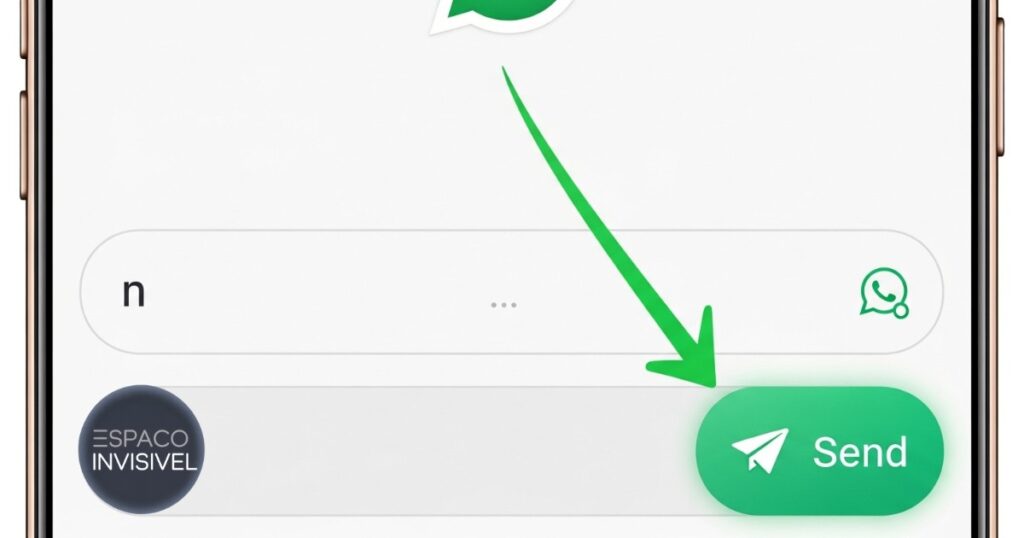
- Go to espaco-invisivel.com.br and click Copy next to the invisible character.
- Open WhatsApp on your phone or on web.whatsapp.com on your computer.
- Open the chat where you want to send the blank message.
- Tap and hold in the message input field at the bottom of the screen.
- Select Paste from the menu that appears. The field looks empty but the character is there.
- The send button turns green. Tap Send. The blank message is delivered.
Pro-Tip: Copy the character and go straight to WhatsApp without opening other apps. Some phones clear the clipboard after 60 seconds or when you switch between apps. Copy and paste in one continuous action.
What Does It Mean When Someone Sends You a Blank Message on WhatsApp
A blank WhatsApp message is usually sent as a prank, to get your attention or to test if you are active. Some people send blank messages to start a conversation without knowing what to say first.
It is not a technical error or a glitch. If someone sends you a blank message, they deliberately used an invisible character. Your phone received a real message with a valid Unicode character that displays as empty space.
You can reply to it normally. The message is there in the chat history. WhatsApp counts it as a read message and shows the sender double blue ticks when you open it.
Why Am I Getting Blank Messages on WhatsApp
If you are receiving blank messages, the sender is using an invisible Unicode character. This is intentional. They sent it on purpose using a tool like ours.
If your WhatsApp shows blank screens or entire chats appear empty, that is a different problem. A blank WhatsApp screen is usually caused by a corrupted cache or an outdated app version. Clear the WhatsApp cache in your phone settings or update the app from the App Store or Google Play.
Blank messages in your chat are always intentional. A blank WhatsApp screen or blank chat list is always a technical issue with the app itself.
How to Create a Blank WhatsApp Status
The same invisible character works for WhatsApp Status. You can post a blank text status that shows nothing when your contacts view it.
- Copy the invisible character from espaco-invisivel.com.br.
- Open WhatsApp and tap the Status tab at the bottom.
- Tap the pencil icon to create a text status.
- Tap and hold in the text field. Select Paste.
- Tap Send. Your status is now live and appears completely blank to all your contacts.
This works on both iPhone and Android. The blank status lasts 24 hours like any other WhatsApp status. Your contacts can still view and react to it even though it appears empty.
How to Keep Your WhatsApp About Section Empty
WhatsApp requires something in the About field by default. The app does not allow you to leave it completely blank using normal text deletion. The invisible character solves this.
- Open WhatsApp. Tap the three dots in the top right. Go to Settings.
- Tap your profile name at the top.
- Tap the About field. Delete all existing text.
- Paste the invisible character into the empty field.
- Tap the checkmark to save. Your About section now appears completely empty.
Contacts who view your profile will see nothing in the About section. This is a popular choice for people who prefer a minimal profile with no personal information visible.The same technique works for creating an invisible TikTok bio using our invisible character for TikTok bio guide.
How to Create a WhatsApp Group With No Name
You can create a WhatsApp group that appears to have no name at all. When WhatsApp asks for a group name during setup, paste the invisible character instead of typing a name.
The group gets created with a blank subject. Members see no group name in the chat list. The group icon appears but the name field shows nothing. This creates a mysterious look that gets attention in group lists.
Can You Send a Blank WhatsApp Message From a Computer
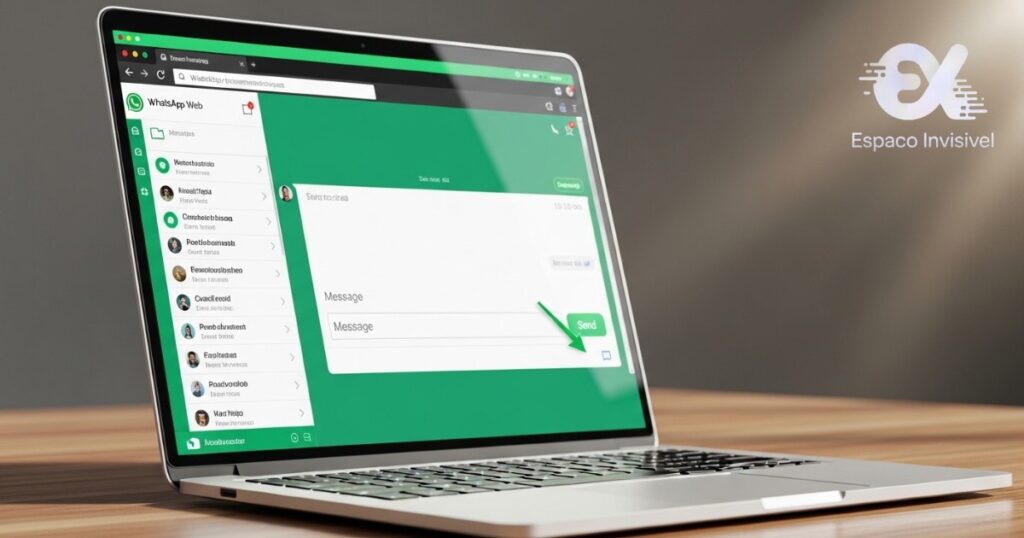
Yes. WhatsApp Web at web.whatsapp.com accepts the invisible character in the same way as the mobile app. Open the chat on your computer browser, paste the character into the message field and press Enter.
The method works on Chrome, Firefox, Safari and Edge. It works on Windows and Mac. The invisible character copies and pastes correctly across all desktop browsers without any special settings.
Is Sending a Blank WhatsApp Message Safe
Yes. The invisible character is a standard Unicode character. It is not a hack, a third-party app or a security risk. Your WhatsApp account is not at risk in any way.
Meta, the company that owns WhatsApp, has no policy against using Unicode characters in messages. The U+3164 character meets Unicode character safety standards and is recognised by all major messaging platforms. The character is processed by WhatsApp servers exactly like any other text character. No violations, no account flags, no risk.
Do not use third-party apps that claim to send blank messages. Some require WhatsApp login credentials or phone number verification. Those are data collection risks. Our generator requires no login, no personal data and no download.
Does the Invisible Character Work on Telegram and Discord
Yes. The same U+3164 character works on Telegram, Discord, Signal and iMessage. Copy from our generator and paste into any messaging app. Gamers also use the same character to create invisible names in Fortnite, see our guide on invisible character for Fortnite names
Telegram has no restriction on invisible characters in messages, usernames or channel names. Discord accepts them in usernames and server names. Signal works the same as WhatsApp.
Frequently Asked Questions
Can I send a blank message on WhatsApp without any app?
Yes. Copy the invisible character from espaco-invisivel.com.br and paste it into the WhatsApp message field. No app download needed. Works directly in WhatsApp on iPhone, Android and WhatsApp Web.
Will the recipient know I sent a blank WhatsApp message?
They will see an empty message bubble in the chat. They will know a message arrived because WhatsApp notifies them. But the bubble appears completely empty. They cannot tell what method you used to send it.
How to send a blank text on WhatsApp on iPhone?
Open espaco-invisivel.com.br in Safari. Tap and hold the Copy button. Open WhatsApp. Tap and hold in the message field. Select Paste. The field looks empty but the character is there. Tap Send.
Why is my WhatsApp blank or showing a blank screen?
A blank WhatsApp screen is a technical issue, not related to invisible characters. Try clearing the app cache in your phone settings or force-stopping and restarting WhatsApp. If the problem persists, uninstall and reinstall the app. Your messages are backed up to Google Drive or iCloud.
How to make blank text on WhatsApp status?
Copy the invisible character from our generator. Open WhatsApp. Tap the Status tab. Tap the pencil icon for a text status. Paste the character into the text field. Tap Send. Your status appears completely blank for 24 hours.
What does a blank WhatsApp message template mean?
A blank WhatsApp message template is a pre-saved message containing only the invisible character. You save it in your phone notes and paste it whenever you want to send a blank message quickly. It saves you visiting the generator each time.
Does sending blank messages count as spam on WhatsApp?
WhatsApp does not flag individual blank messages as spam. But repeatedly sending blank messages to someone who has not responded could trigger WhatsApp’s spam detection. Use it occasionally, not as a bulk messaging tactic.
How to copy and paste the invisible character on WhatsApp?
Visit espaco-invisivel.com.br. Click or tap the Copy button next to the invisible character. Open WhatsApp. Tap and hold in the message input field. Tap Paste. The character is now in the field ready to send.

Mark e o criador do Espaco Invisivel. Especialista em
Unicode e caracteres especiais com 3 anos de experiencia.
Mais de 200 mil usuarios atendidos no Free Fire, TikTok,
Instagram, WhatsApp e Discord.


