
How to Type an Invisible Character?
Have you ever received a blank message in the era of social media on WhatsApp, Instagram, or Facebook, and wondered how it’s done? You also want to amaze your friends and loved ones with this hack.
You can use this trick with invisible characters generator tools or special Unicode numbers that appear blank to the human eye but are still recognized by computers.
In this blog post, we will explain the multiple ways to type, copy invisible or empty characters, and how to use them innovatively on different social media platforms.
What Are Invisible Characters?
The Invisible characters, also known as empty characters, blank text, Invisible Text, or whitespace symbols, etc, are Unicode characters that don’t display any visible mark on the different gadgets’ screens. While these characters look like nothing, they act as valid text that computers can read and process, but the human eye can’t detect.
For example:
- Zero Width Space Code (U+200B): Used to create separation without visible spacing.
- Hangul Filler Code (U+3164): A Korean character that is used to indicate that a space appears empty.
- Non-breaking Space Code (ALT+255 on Windows): looks like a blank space but prevents automatic line breaks.
Invisible characters are widely used in social media bios, gaming usernames, and online chats to create blank messages, unique profile names, or even bypass text filters.
Quick Preview of an Online Invisible Character
Either you memorize complex Unicode for creating and copying Blank spaces/characters or use the easiest and safest way for an online invisible character generator. These tools permit you to
- Copy invisible characters with a single click.
- Generate unlimited blank spaces.
- Test and paste them into any application.
- This tool helps you copy unlimited empty characters that are totally free.
In the upcoming headings, we’ll explain the process of creating and copying the blank characters.
Different Methods to Type or Create Invisible Characters
Typing invisible characters can be done in multiple ways depending on your device. List down the most effective methods here to type and copy invisible spaces.
Method 1: Directly copying the Empty Character
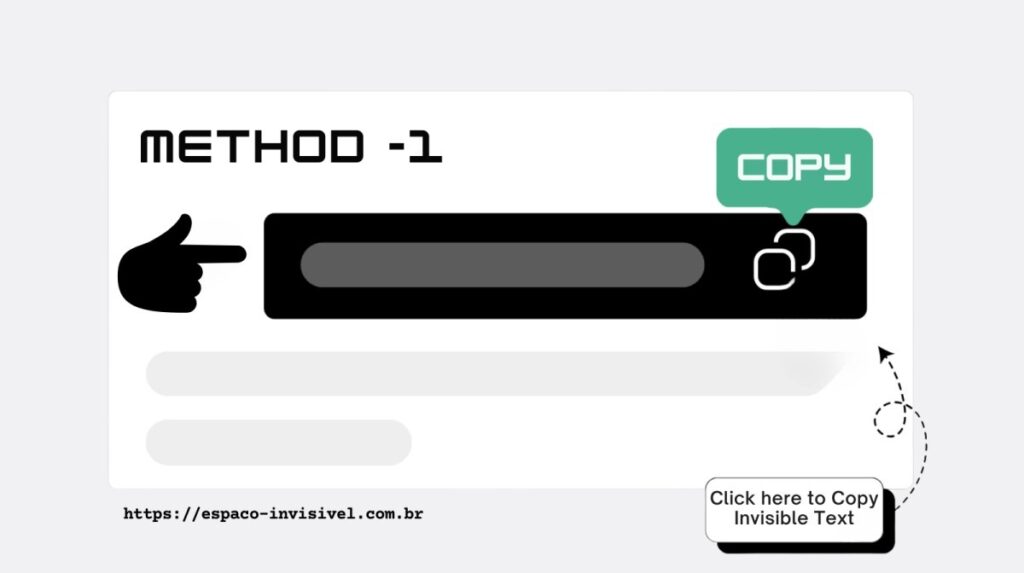
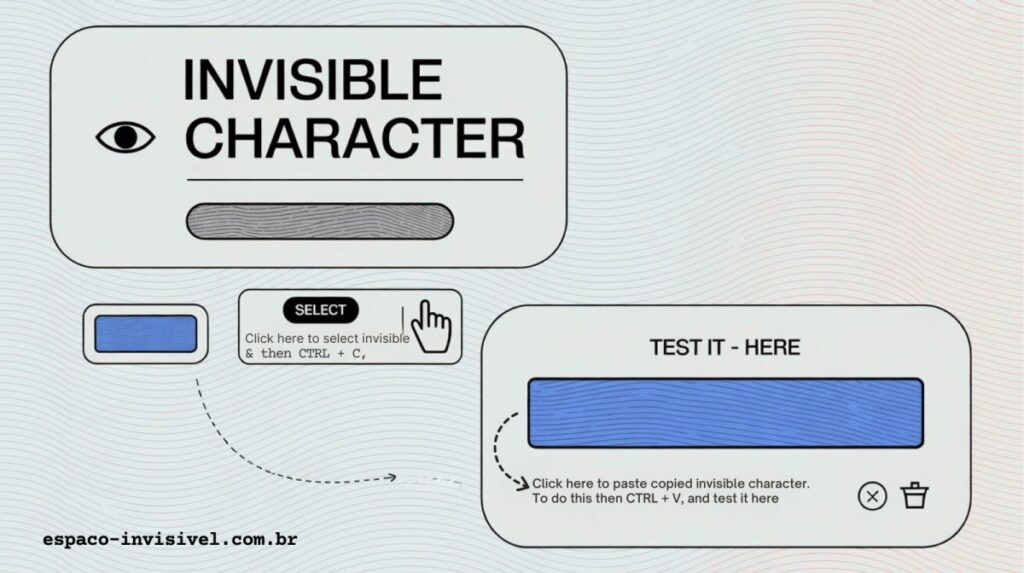
The first and easiest way is to copy a ready-made invisible character from an online invisible characters generator tool. You just need to click the “Copy to Clipboard” button and then paste (CTRL+V or CMD+V) into your desired text box.
As shown below in the image
To check whether it is copied or not, type the invisible character into the “Testing Box”.
Below is the image showing our pasted blank character in the testing box
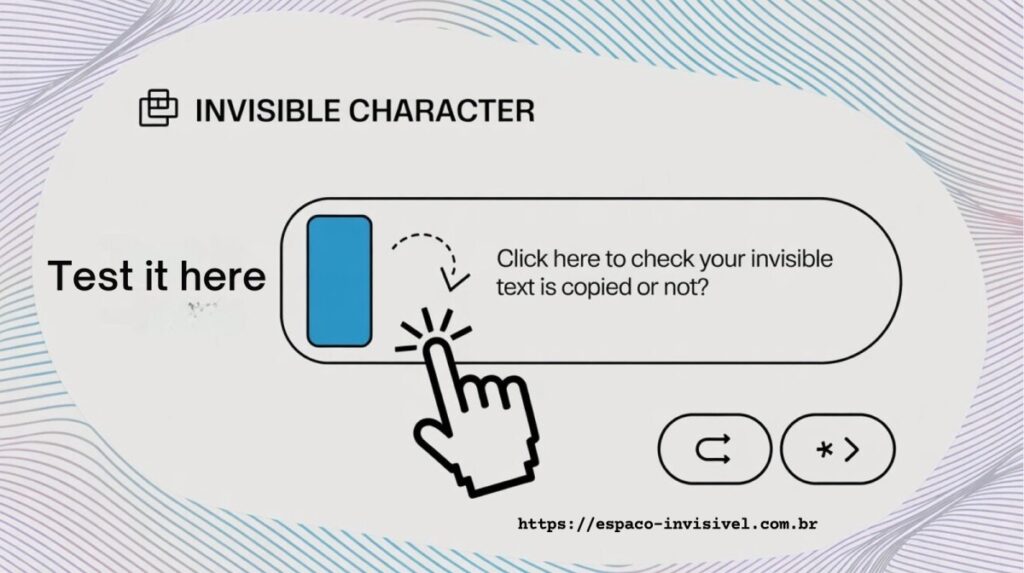
In the same way, you can paste and test the invisible characters in the testing box, using the CTRL+V command.
Method 2: Manually Copy Invisible Character
If direct copying doesn’t work on your device, you can try the second method, which requires manually highlighting the blank text and copying the invisible space with the help of keyboard shortcuts.
You just need to click on the “Select” button and press the keyboard shortcut of “CTRL+C” for Windows or “CMD+C” for macOS. This will save the character to your clipboard. You can also test these in the “Testing Box”.
In this method, you’re actually copying the invisible character rather than a regular space.
We used the second method to generate invisible characters that are shown in the image below:
Method 3: Generate a Customized Number of Empty Spaces
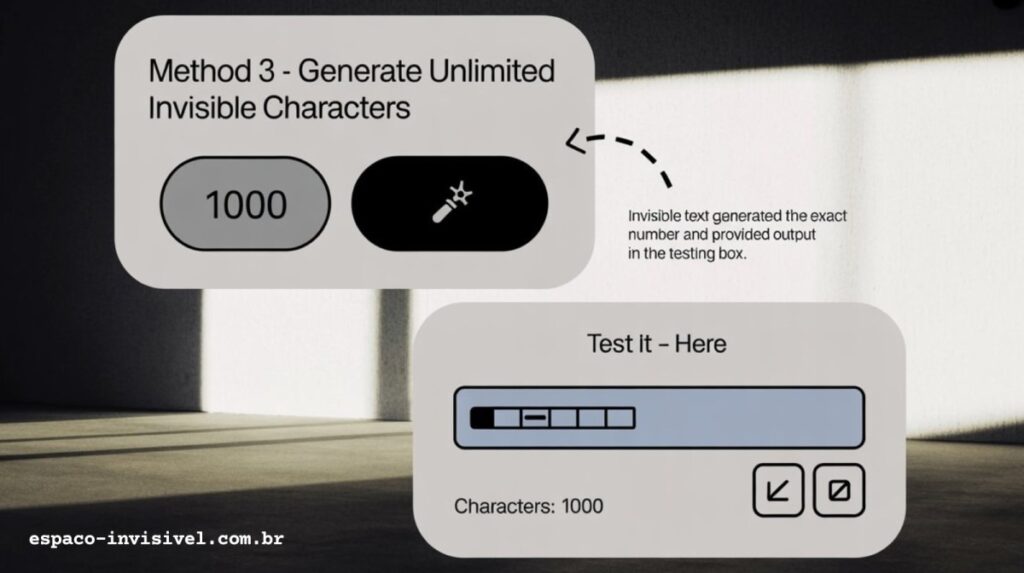
In our third method, you can generate a customized number of blank characters. Just enter the desired quantity (e.g., 100, 500, 1000) of invisible characters that you want to generate, and click the “Generate” button.
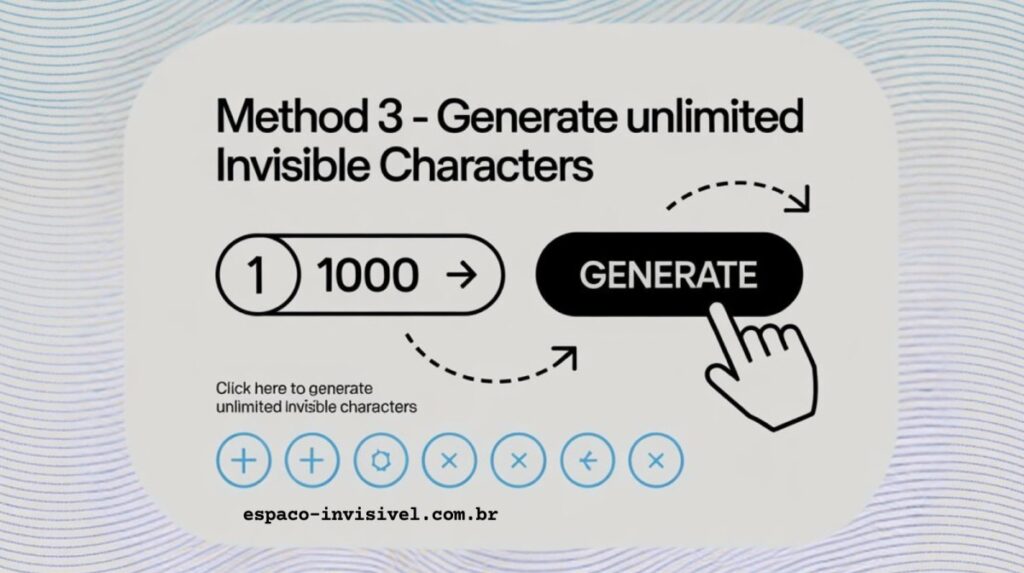
The tool automatically generates the adjusted number of invisible spaces in the testing box. Copy that and use wherever you like.
The third method is especially useful for formatting, filling forms, or creating long blank gaps in text.
Why Choose the Invisible Character to Generate Blank Spaces?
There are many reasons users prefer our Invisible text generator.
- Free & Unlimited: It is completely free and generates endless blank spaces at no cost, and doesn’t require any signup or login.
- User-friendly: The Tool interface is very simple for beginners.
- Multi-Method Options: This tool offers multiple methods to generate blank text, direct copy, manual copy, or custom generation.
- Testing Box Feature: The unique feature of our tool is “Testing Box,” which instantly verifies that the empty spaces are copied to your clipboard.
- No Installation Needed: Functionally online and accessible from any device.
- Advancement: Our tool is inventive and uses the latest technology to quickly generate blank characters.
Typing & Sending Empty Messages
Invisible characters shine when it will bring fun and creative communication. You can surprise friends or stand out on social media by sending blank messages or creating empty bios.
We established that using espaco-invisivel.com.br is more feasible with direct-testing facilities.
1. Instagram
The use of invisible characters on Instagram allows you to add an empty bio for a minimalistic profile, and using invisible text in captions to make posts mysterious. You can also send ghost DMs to your contacts; they’ll receive a “blank message” that still gets delivered, which will make them curious, looking to know how you did it.
First of all, select the chat room where you want to send an invisible message. Then go to the text area and press “Paste”. Finally, hit send and notice your friend’s response.
2. Facebook
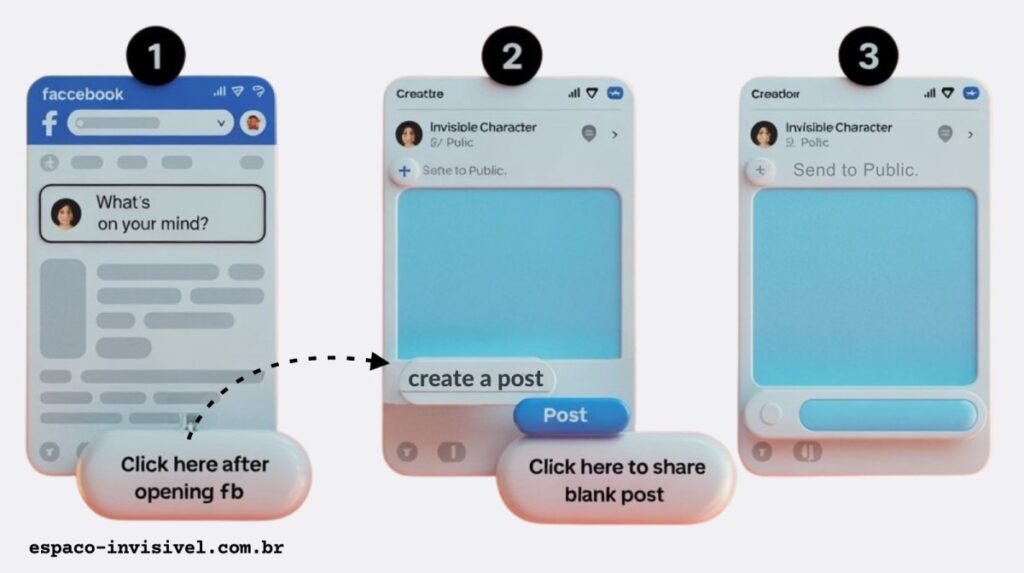
The typing process of invisible characters on Facebook and on Instagram is the same. Click on the bar “What’s on your mind?” in your feed to add an empty status.
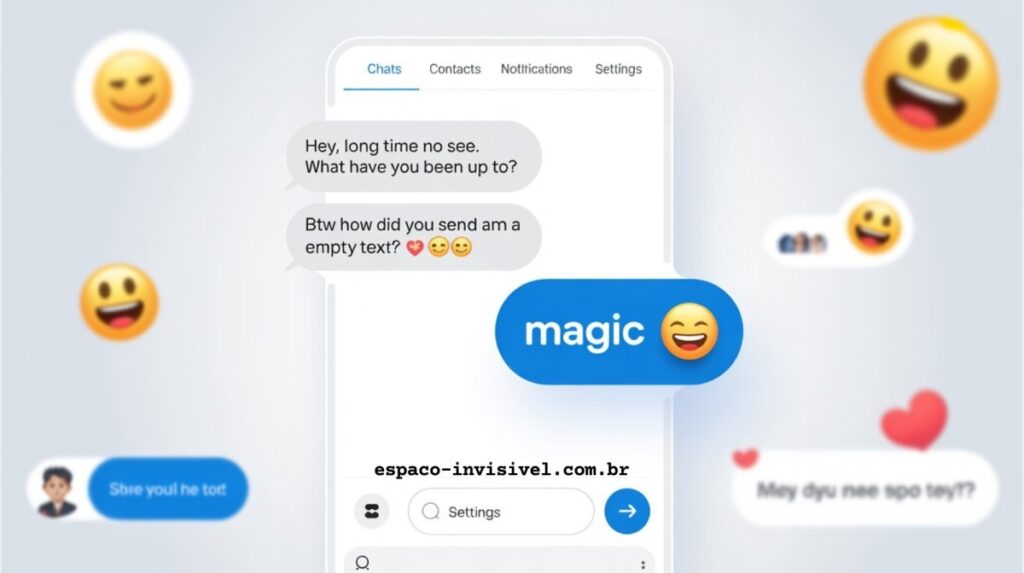
Post an empty status update that grabs the attention of your friends, and paste invisible characters in Messenger chats to prank with your friends, and also use blank text to create a unique profile look.
FAQ
What is an invisible character?
An invisible character is a special Unicode symbol that appears blank to the human eye but is detected by computers, often used for empty messages, bios, or usernames.
How do I type an invisible characters on Windows?
For the window, hold the Alt key and type 255 on the numeric keypad, or copy a Zero Width Space (U+200B) from an online tool.
How do I type an invisible characters on a Mac?
Press Option + Space Bar to insert a non-breaking space on Mac, or copy and paste a Unicode invisible character.
Can I use invisible characters on WhatsApp?
Yes, you can use it on WhatsApp for sending blank messages, creating empty statuses, or formatting text with invisible spacing.
Can I use invisible characters on Instagram?
Yes, you can use it on Instagram for empty bios, blank captions, and ghost DMs that surprise your friends.
Can I use invisible characters on Facebook?
Of course, you can post empty status updates, send blank Messenger texts, and create unique names with invisible character generator tools.
How do I use invisible characters on TikTok?
This tool allows you to make blank usernames, invisible captions, and clean formatting for profiles on TikTok.
Can I use invisible characters on Twitter / X?
With the help of this tool, you can post blank tweets, create ghostlike usernames, and add spacing in posts.
How do gamers use invisible characters in Free Fire or PUBG?
In the gaming module, gamers use them for blank or unique usernames, making profiles look rare and mysterious.
Why do people use invisible characters?
People used for fun pranks, aesthetic bios, clean formatting, or creative usernames.

Mark e o criador do Espaco Invisivel. Especialista em
Unicode e caracteres especiais com 3 anos de experiencia.
Mais de 200 mil usuarios atendidos no Free Fire, TikTok,
Instagram, WhatsApp e Discord.


